Live waterfall and scope
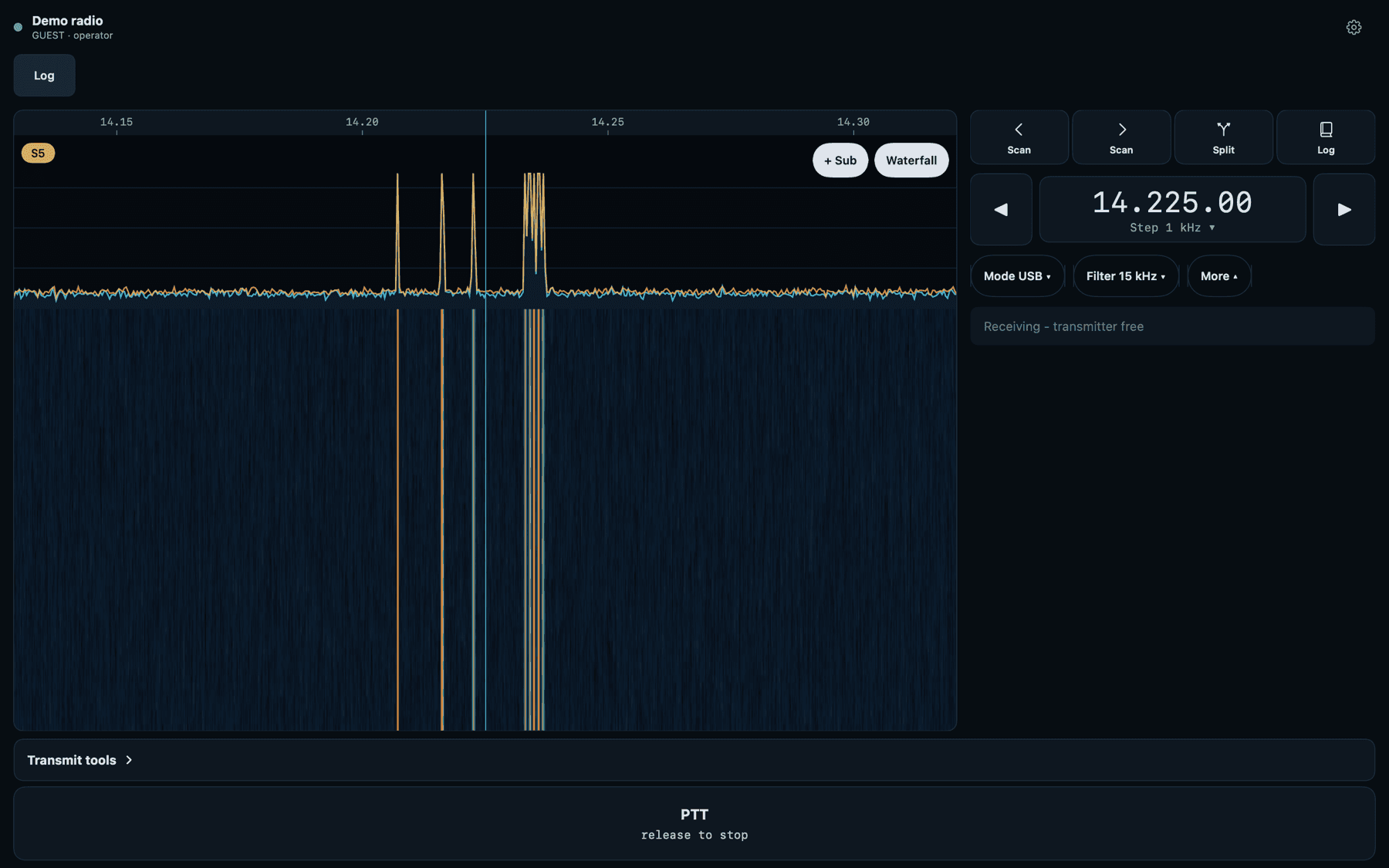
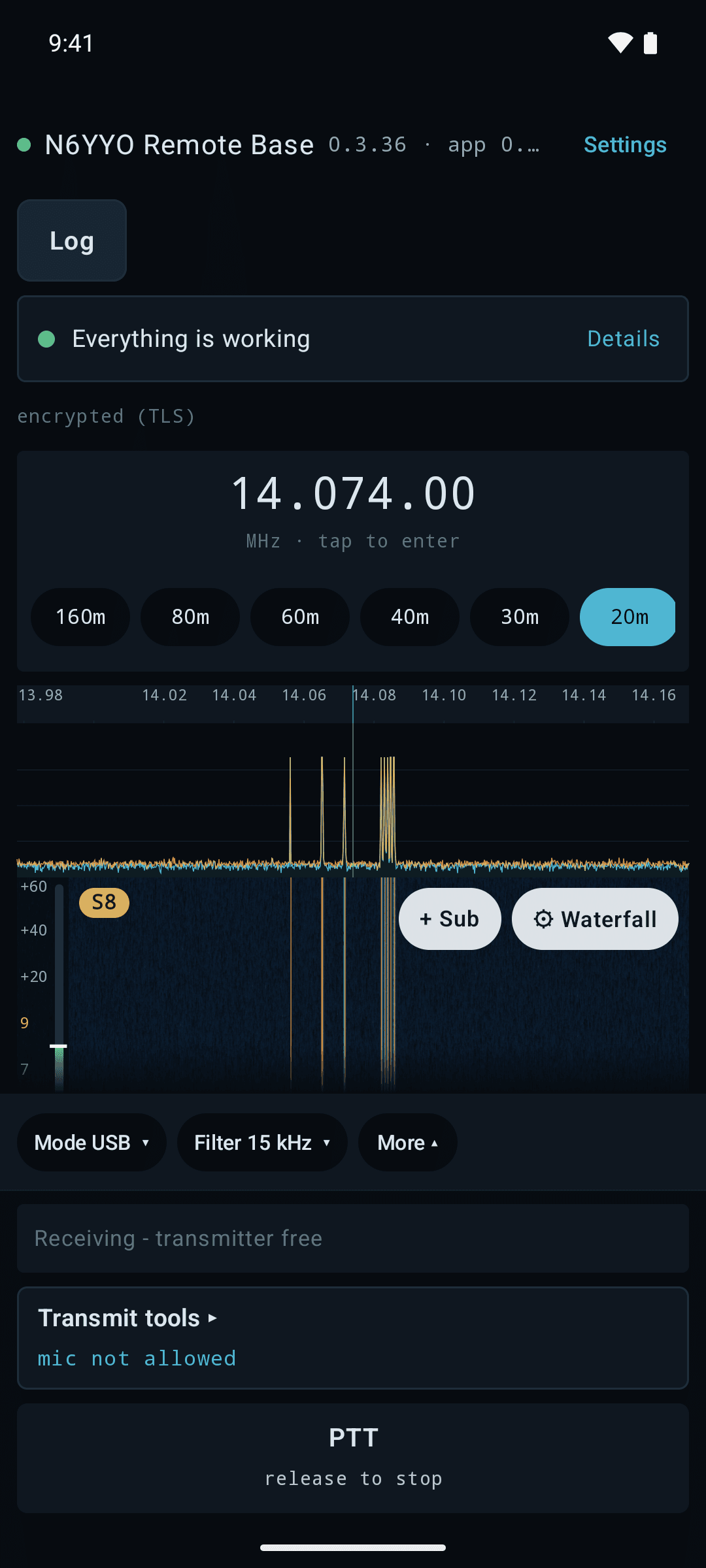
On Icom radios with a spectrum scope, watch the band fill in real time, straight from the radio's own scope.
Remote control for your ham station
Operate the radio, rotator and amplifier you already own from the app on your phone, tablet or computer. Your radio’s own scope on Icom radios that have one, FT8, your logbook, and a transmitter that unkeys itself if your connection drops.

Station runs on Windows · apps for Windows, Android, iPhone, iPad and Mac
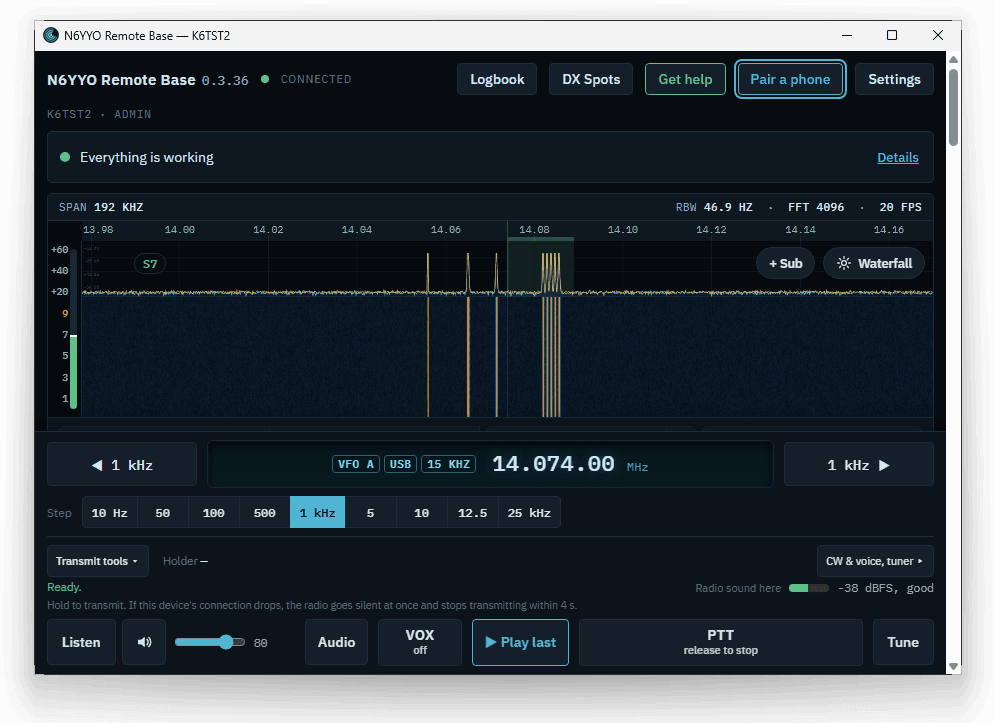
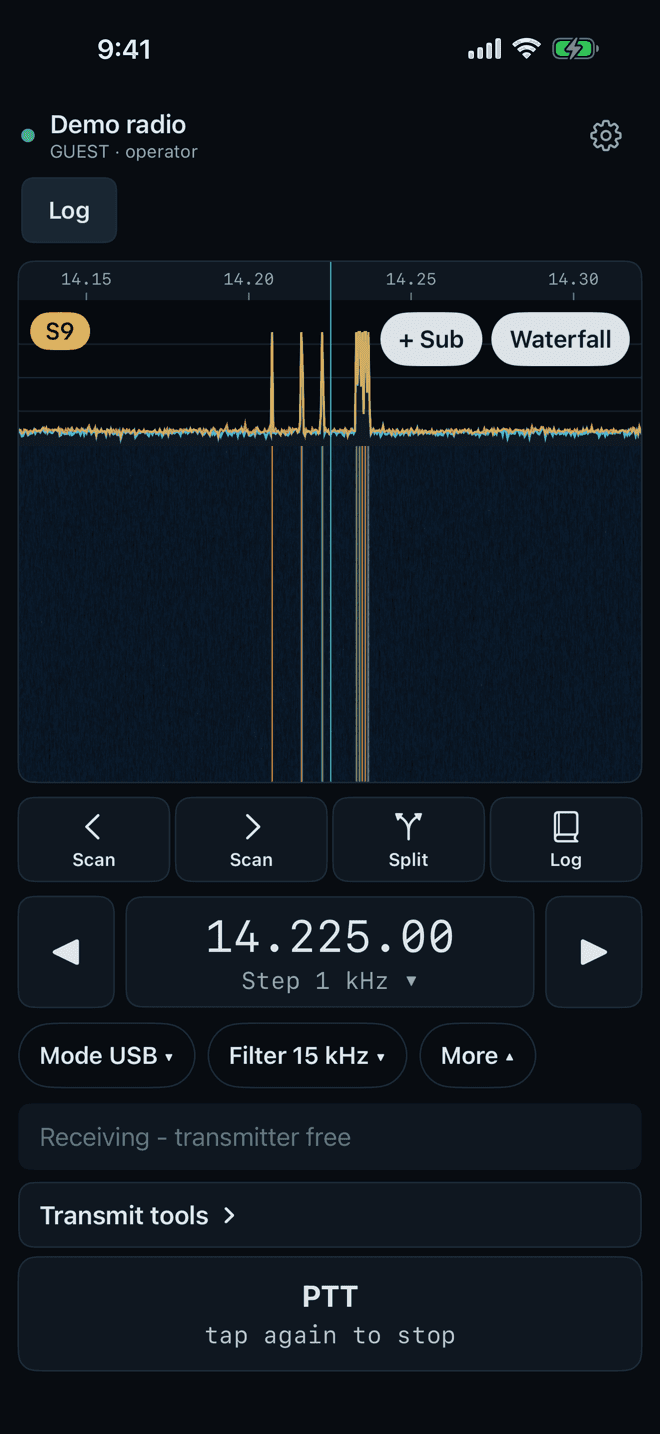
One station, every screen
The station PC next to your radio does the work. Every signed-in device sees the same dial and the same logbook, live, and the radio’s own scope on radios that have one.
Station PC
Windows 10 or 11, next to the radio. Talks to the rig, rotator and amp, and keeps the logbook.
Windows app
An installed app for any other Windows PC, at home or away, with native audio and push-to-talk.
Android
A native app for operating on the go, with push-to-talk on the screen.
iPhone, iPad and Mac
A native app from the App Store that connects to your station.
iPhone and iPad

Point your iPhone or iPad camera at the code.
Mac

Scan to open the Mac App Store page.
How it works
The station app runs on the Windows PC next to your radio and talks to your gear. It keeps an encrypted link out to the internet, so your apps reach it from anywhere with no router setup.
What you get
In every app, unless a card says otherwise.
On Icom radios with a spectrum scope, watch the band fill in real time, straight from the radio's own scope.
The station decodes and sends FT8 and FT4 itself, with WSJT-X's decoder built in. Nothing else to install.
If your device's heartbeat stops, your audio is muted after 1.5 seconds and the transmitter unkeys about 4 seconds after the last one. A closed connection unkeys at once.
Turn the rotator to a bearing or a logged contact, with live position shown.
Once you add your accounts, contacts upload to QRZ.com, LoTW, Club Log and eQSL, with status on each one.
Your station keeps its own secure internet address, with nothing to open on your router.
See the band
On radios with a spectrum scope, the waterfall you see away from home is the one on the front panel, streamed live. DX spots sit right on it. Tap a signal to tune.
Safety built in
Remote operating means trusting a link you can’t see. So the station watches it for you, and these protections are on for every station, licensed or not.
If your device's heartbeat stops, your audio is muted after 1.5 seconds and the transmitter unkeys about 4 seconds after the last one. A closed connection unkeys at once.
In the Windows and Android apps, when the radio transmits from anywhere else (a tune, CW, FT8 or another operator), your PTT turns red and reads STOP. One tap ends it.
Let go of PTT, or tap it again in tap mode. A tune, CW or voice memory you started has its own stop, and a latched PTT lets go if you leave the app or lose the connection.
Transmit is refused if the amplifier isn't confirmed set to the right band. For an amp with no data link, the station owner can choose to accept that risk instead.
Switching over
Bring your log, and keep the tools you use every day, now on every screen.
Logbook
One log at the station that every app shares. Import your HRD log as an ADIF export (its HRD fields are kept), and export ADIF any time.
DX Cluster
Spots from the cluster node you choose, in a list and (on radios with a scope) on the waterfall, marked new, worked or dupe. Tap one to tune.
QSL uploads
Once you add your accounts, new contacts go to QRZ.com Logbook, LoTW (through TQSL on the station PC), Club Log and eQSL, and confirmations come back.
Awards
DXCC and Worked All States progress, worked and LoTW-confirmed.
Rotator
A compass to click or a bearing to type, stop and park, and Beam to contact from the log or a spot.
Digital modes
FT8 and FT4 built into the station, with auto-sequencing, plus CW from the keyboard and CW memories.
Everything that carries over →
Ham Radio Deluxe is a trademark of HRD Software LLC. N6YYO Remote Base is not affiliated with or endorsed by HRD Software LLC.
Supported hardware
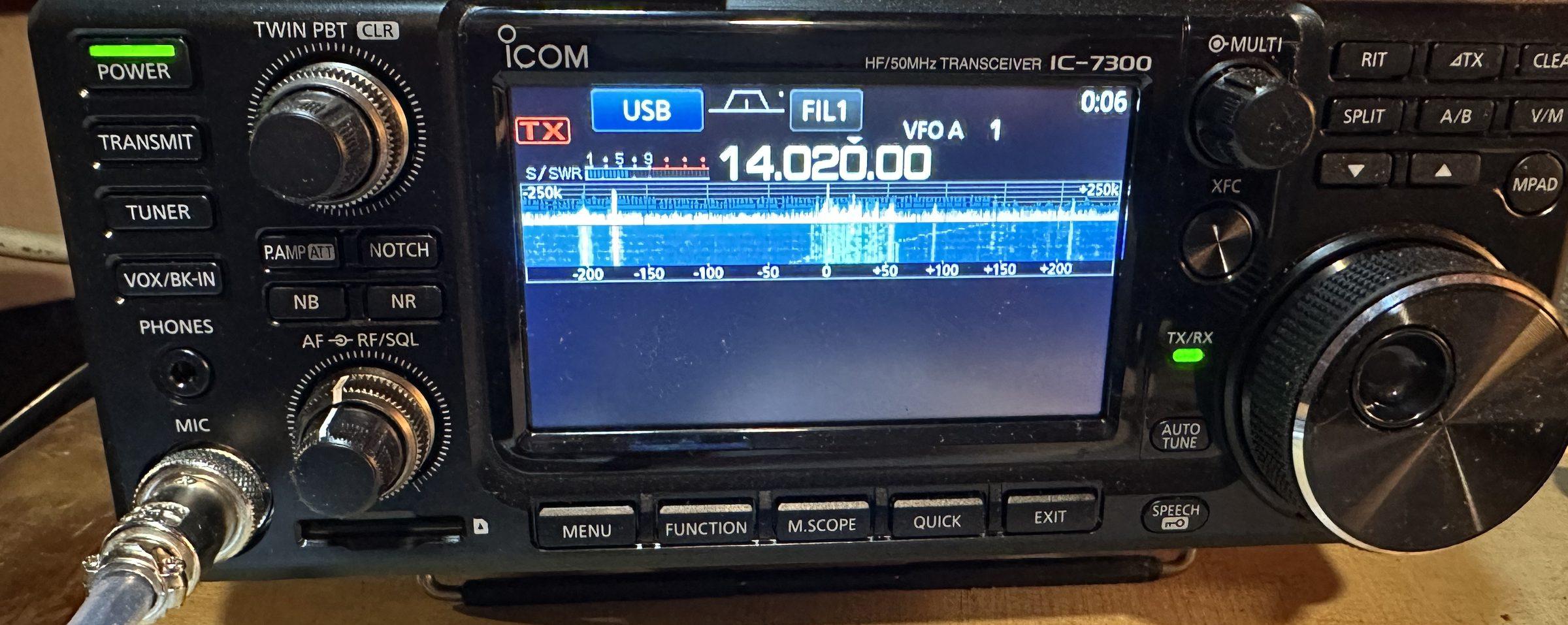
CAT control through Hamlib for 280 transceivers and receivers, plus rotator controllers and amplifiers. One-pick setup for the Icom IC-7300, IC-7610, IC-9700 and IC-705.

Who makes it
N6YYO Remote Base is built with Joe, N6YYO, and made by Circuit Coders. Questions go straight to the people who build it, through the support form.
Pricing
One license per station, for every operator and every device. It includes 12 months of updates and support. After that, keep updates coming for $39 a year, or don’t: your station keeps working either way.
$149
Station license
Once. Includes 12 months of maintenance
$39/yr
Optional updates
After year 1, or $4/mo
$9
Weekend pass
72 hours of remote
$0
Free trial
30 days, everything on, no card
30 days, everything on
Install the station on the Windows PC next to your radio. Remote access, FT8, logbook and every app, free for 30 days. No card needed.